Business tool · Google Sheets
Social Media Content Calendar Spreadsheet
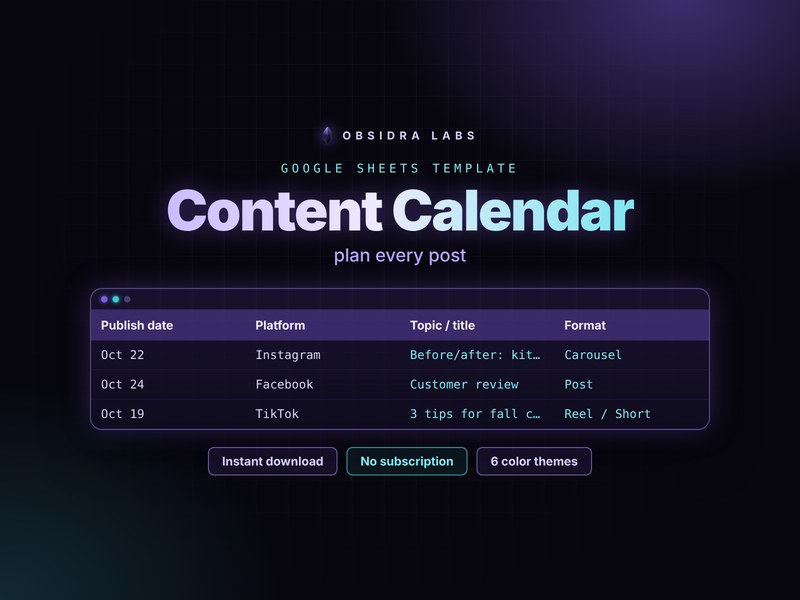
Your content, planned and pretty. Plan every post across Instagram, TikTok, Pinterest and more, track what's drafted, scheduled and live, and never scramble for ideas again.
$12 once · No subscription · Setup guide included · Email help
Why people buy it
Plan a month of posts in an hour
- Posts by platform, date and status
- An ideas bank for slow weeks
- Reminder email when posts are due
Plan ideas, drafts and scheduled posts for every platform in one calendar list. Rows color by status, the dashboard counts posts per platform this month, and a morning email lists anything due in the next two days that isn't ready.
Made for creators, small brands and social media managers.
What you get
In the download
- The Google Sheets template (opens in any free Google account)
- The automation script for automatic emails (paste in once, no coding)
- A step-by-step illustrated setup guide (PDF)
- Email support if you get stuck
One-time purchase. Yours to keep.
Make it yours
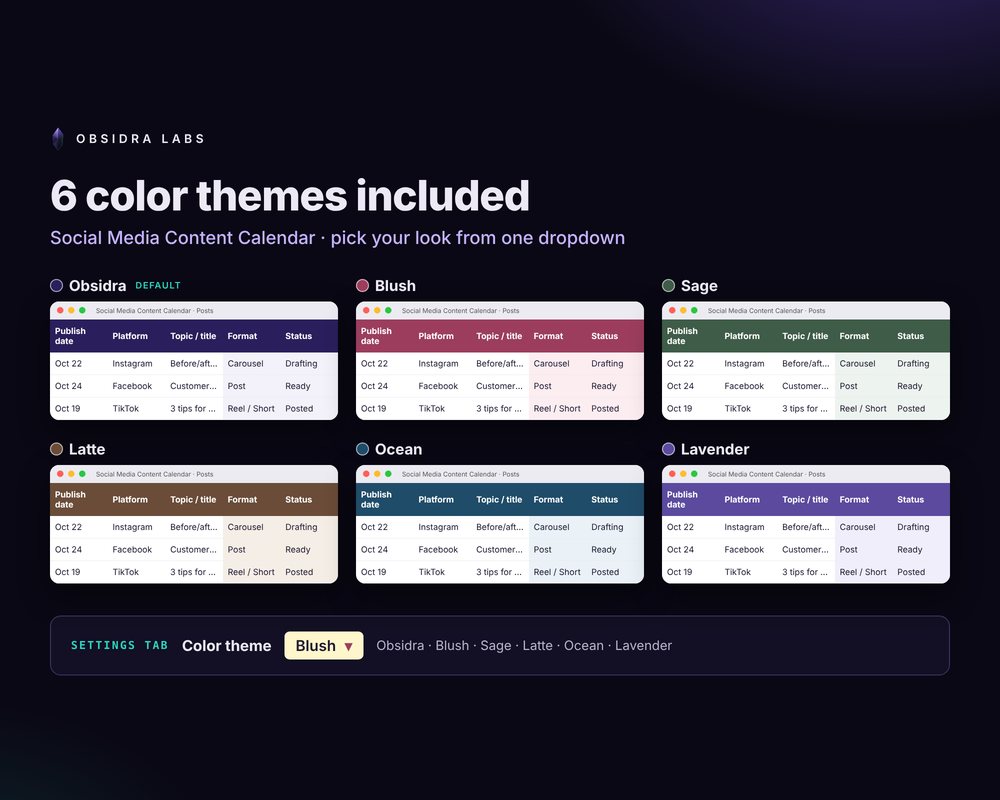
6 color themes included
Pick Obsidra, Blush, Sage, Latte, Ocean or Lavender from one dropdown on the Settings tab. Every tab changes color instantly.
How it works
Ready in about 10 minutes
Get the zip right away
The spreadsheet, the reminder script and an illustrated setup guide.
Upload to Google Drive
Open it as a Google Sheet. It works in any free Google account.
Turn on the emails
Paste the script once, check the test email, and it runs every day from your Gmail.
Questions
Social Media Content Calendar FAQ
Do I need Excel or a paid Google account?
No. It works in Google Sheets with any free Google account, on a computer, tablet or phone.
How do the automatic emails work?
A small script runs in your own Google account and sends from your own Gmail at the time you choose. It starts in test mode, so the first emails come to you until you're happy with them.
How do I get it?
Right after you pay you get a zip file with the spreadsheet, the reminder script and an illustrated setup guide. Upload the spreadsheet to Google Drive and follow the guide. Setup takes about 10 minutes.
Can I change the colors?
Yes. Every template includes 6 color themes: Obsidra, Blush, Sage, Latte, Ocean and Lavender. Pick one from the dropdown on the Settings tab and the whole sheet changes instantly.
Is it a subscription?
No. You pay $12 once and keep it forever, including updates to this version.
Is my data private?
Yes. Everything stays in your own Google account. Obsidra Labs never sees your data.
You might also like
Related tools
Contractor Business Hub
Quotes, jobs, invoices, expenses and mileage, all connected, with job profit and three kinds of automatic emails.
$79 one-time →
Invoice Tracker
Track every invoice, see who's late at a glance, and let polite reminder emails go out by themselves.
$29 one-time →
Job & Quote Tracker
Every job from quote to paid, with automatic quote follow-ups and day-before job reminders.
$29 one-time →